

Monthly Archives: February 2026

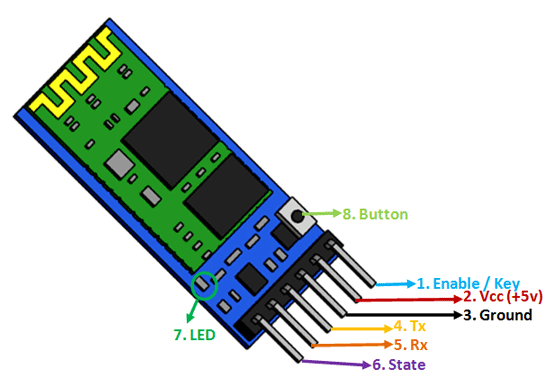
Arduino Bluetooth Control (LED)

Components Wiring Learn how to implement Arduino Bluetooth Control to manage LED devices effectively. Bluetooth: LED: Code #include <SoftwareSerial.h>SoftwareSerial BT(10, 11); // RX, TXint led = 7;void setup() { pinMode(led, OUTPUT); BT.begin(9600);}void loop() { if (BT.available()) { char data = BT.read(); if (data == ‘1’) { digitalWrite(led, HIGH); } else if (data == ‘0’) { […]
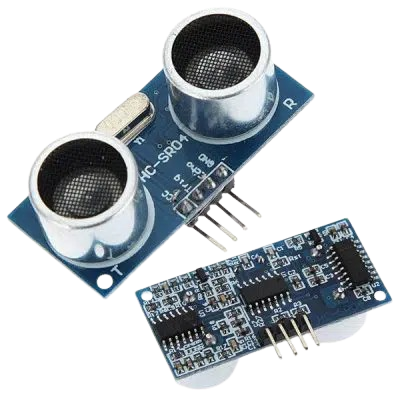
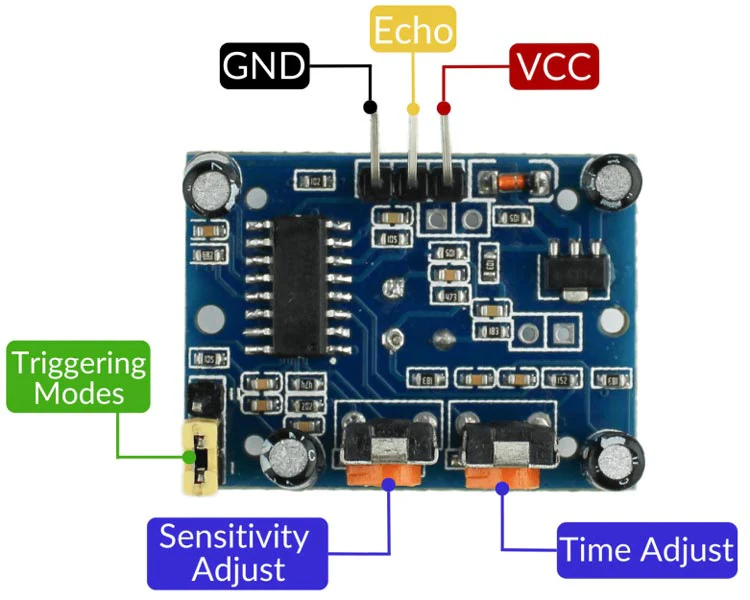
Obstacle Detection (Ultrasonic Sensor)

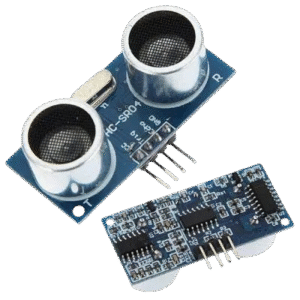
Components Obstacle Detection is a crucial application of ultrasonic sensors. Wiring 💻 Code int trigPin = 9;int echoPin = 10;void setup() { Serial.begin(9600); pinMode(trigPin, OUTPUT); pinMode(echoPin, INPUT);}void loop() { long duration; int distance; digitalWrite(trigPin, LOW); delayMicroseconds(2); digitalWrite(trigPin, HIGH); delayMicroseconds(10); digitalWrite(trigPin, LOW); duration = pulseIn(echoPin, HIGH); distance = duration * 0.034 / 2; Serial.print(“Distance: “); Serial.print(distance); […]

Motion Sensor Alarm with Arduino Uno

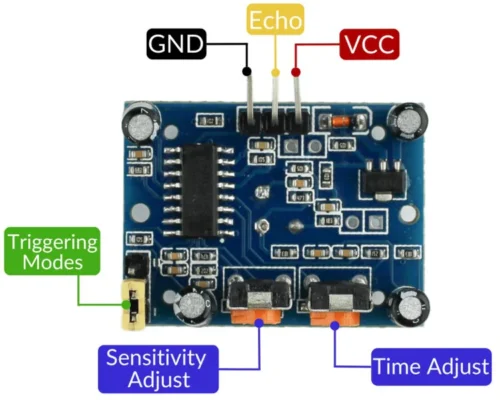
Now that you’ve blinked an LED, let’s build something more practical: a Motion Sensor Alarm. This project uses a PIR (Passive Infrared) sensor to detect movement and trigger a buzzer. Components Required Step 1: Wiring the Circuit PIR Sensor Pins: Buzzer: Double-check connections before powering up. Step 2: Upload the Code Open the Arduino IDE […]

Getting Started with Arduino Uno

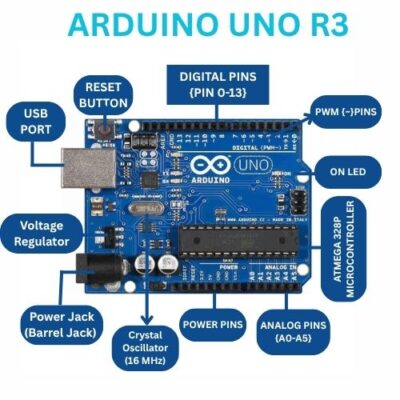
The Arduino Uno r3 (DIP version) is one of the most beginner-friendly microcontroller boards, perfect for learning electronics, coding, and building simple projects. This tutorial on Getting Started with Arduino will guide you from unboxing to running your very first program. What You’ll Need Step 1: Install the Arduino IDE To program the Arduino, you […]