
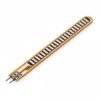
Flex Sensor (Bend Sensor) for Arduino, 2.2″ / 4.5″
₵80.00
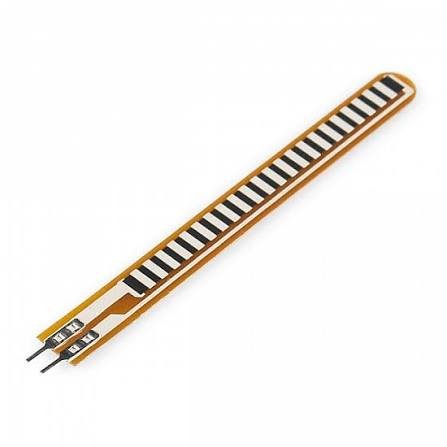
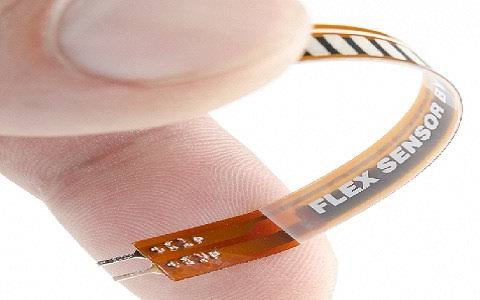
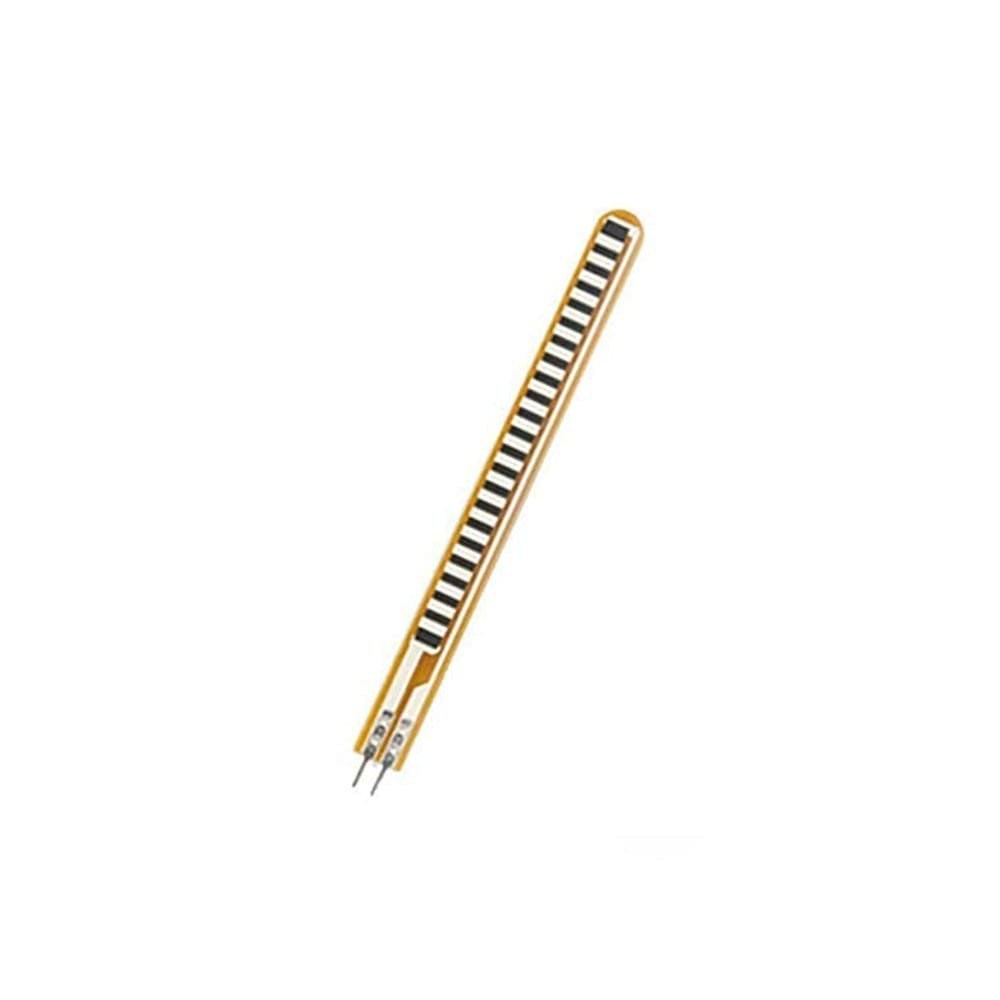
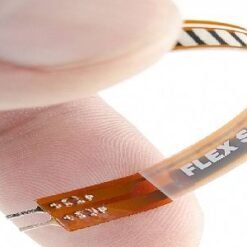
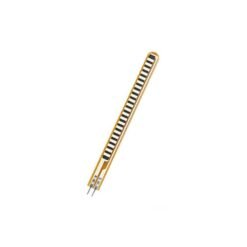
A Flex Sensor is a thin, flexible strip whose resistance increases as it bends. Your Arduino can measure exactly how far it’s been bent. It’s the key sensor in data gloves, gesture-controlled robotic hands, sign language translators and wearable motion projects. It connects to any analog pin with just one resistor. Choose the 2.2″ or 4.5″ length.
3 in stock
🚚 Same-day delivery in Kumasi · Next-day nationwide
💳 Pay with MoMo, VISA or bank transfer
A flex sensor (also called a bend sensor) is a thin plastic strip coated with a special conductive ink. When the sensor is flat, the ink has a set resistance. When you bend it, the conductive particles move further apart and the resistance rises. The more you bend it, the higher the resistance.
Connect it in a simple voltage divider with one resistor and your Arduino can read the bend angle on any analog pin. Fix one sensor along each finger of a glove and you can track hand movement. That makes it perfect for gesture-controlled robotic hands, wireless data gloves, sign language translation and VR/gaming controllers.
Flex sensors are a favourite for final-year engineering projects, science fairs and STEM robotics because they’re simple to use and the results are impressive.
Key Features
- Resistance increases with bending. Measure the bend angle accurately.
- Thin, light and flexible. Easy to fit on gloves, joints and wearables.
- Simple to use. One analog pin and one resistor.
- No power supply needed. It’s a passive sensor.
- Durable. Handles repeated bending cycles.
- Two sizes available: 2.2″ and 4.5″.
- Works with Arduino, ESP32, Raspberry Pi (with an ADC) and other microcontrollers.
Technical Specifications
| Parameter | 2.2″ Flex Sensor | 4.5″ Flex Sensor |
|---|---|---|
| Overall length | Approx. 2.2 inch (56mm) | Approx. 4.5 inch (114mm) |
| Flat resistance | Approx. 25kΩ | Approx. 10kΩ |
| Bent resistance | Approx. 45kΩ – 125kΩ | Approx. 20kΩ – 40kΩ |
| Resistance tolerance | ±30% | ±30% |
| Power rating | 0.5W continuous | 0.5W continuous |
| Operating temperature | -35°C to +80°C | -35°C to +80°C |
| Best for | Fingers, small joints | Fingers (long), elbows, knees |
Wiring with Arduino Uno (Voltage Divider)
| Connection | Arduino |
|---|---|
| Flex sensor leg 1 | 5V |
| Flex sensor leg 2 | A0 |
| Resistor (see below) | From A0 to GND |
Recommended resistor:
- 2.2″ sensor: 47kΩ
- 4.5″ sensor: 22kΩ
The flex sensor has no polarity, so either leg can go to 5V.
Example Arduino Code: Read Bend Angle
const int flexPin = A0;

// Calibrate these by reading the sensor flat and fully bent
const int flatValue = 520;
const int bentValue = 300;

void setup() {
  Serial.begin(9600);
}

void loop() {
  int reading = analogRead(flexPin);
  int angle = map(reading, flatValue, bentValue, 0, 90);
  angle = constrain(angle, 0, 90);

  Serial.print("Reading: ");
  Serial.print(reading);
  Serial.print("  |  Bend angle: ");
  Serial.print(angle);
  Serial.println(" degrees");
  delay(200);
}
Hold the sensor flat and note the reading, then bend it fully and note that reading. Put both values in the code to calibrate it.
Project Idea: Gesture-Controlled Robotic Hand
Fix one flex sensor on each finger of a glove. Read each one with an Arduino and map the values to servo motors on a 3D-printed robotic hand. The robot hand will copy your finger movements in real time. Add an HC-05 Bluetooth or nRF24L01 module to make it wireless.
Tips for Best Results and Long Life
- Bend in one direction only, with the printed side facing outward. Bending it the other way gives poor readings and can damage it.
- Protect the base. The joint where the pins meet the strip is the weakest point. Reinforce it with heat-shrink tubing, tape or hot glue.
- Don’t fold or crease it sharply. Smooth curves give the best readings and longest life.
- Don’t solder directly to the pins near the strip. Use female jumpers or a connector.
- Calibrate each sensor. Every flex sensor reads slightly differently.
Applications
- Data gloves and hand-tracking wearables
- Gesture-controlled robotic hands and arms
- Sign language translator gloves
- VR and gaming controllers
- Joint and posture monitoring (elbows, knees, back)
- Physiotherapy and rehabilitation devices
- Musical instruments and interactive art
- STEM and final-year engineering projects
Works Great With
- Arduino Uno R3 / Nano
- SG90 / MG996R Servo Motors
- HC-05 Bluetooth Module
- Resistor Kit
- 3D Printing Service (for robotic hand parts)
Package Includes
- 1 × Flex Sensor (2.2″ or 4.5″, depending on the option selected)
Be the first to review “Flex Sensor (Bend Sensor) for Arduino, 2.2″ / 4.5″”
Related products


Reviews
There are no reviews yet.