

Tutorials
Arduino Bluetooth Control (LED)
23
Feb
Feb
Components
- Arduino Uno
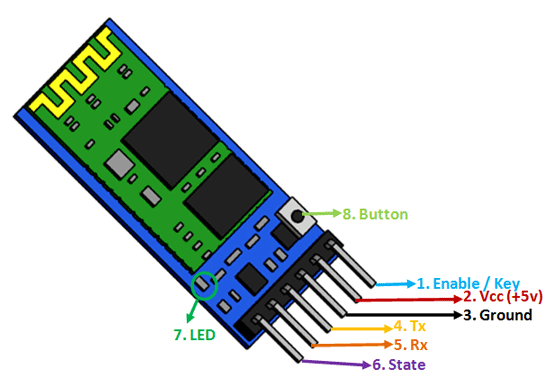
- HC-05 Bluetooth module
- LED + resistor
Wiring
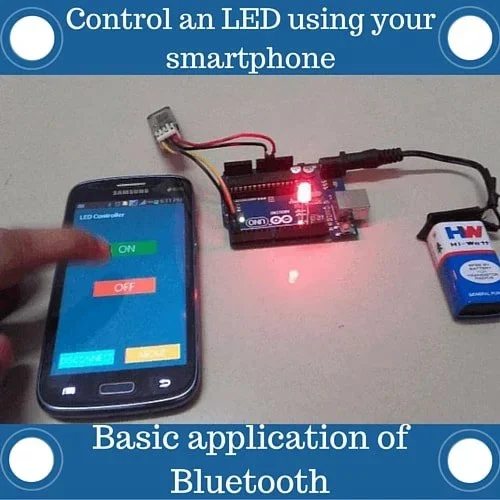
Learn how to implement Arduino Bluetooth Control to manage LED devices effectively.
Bluetooth:
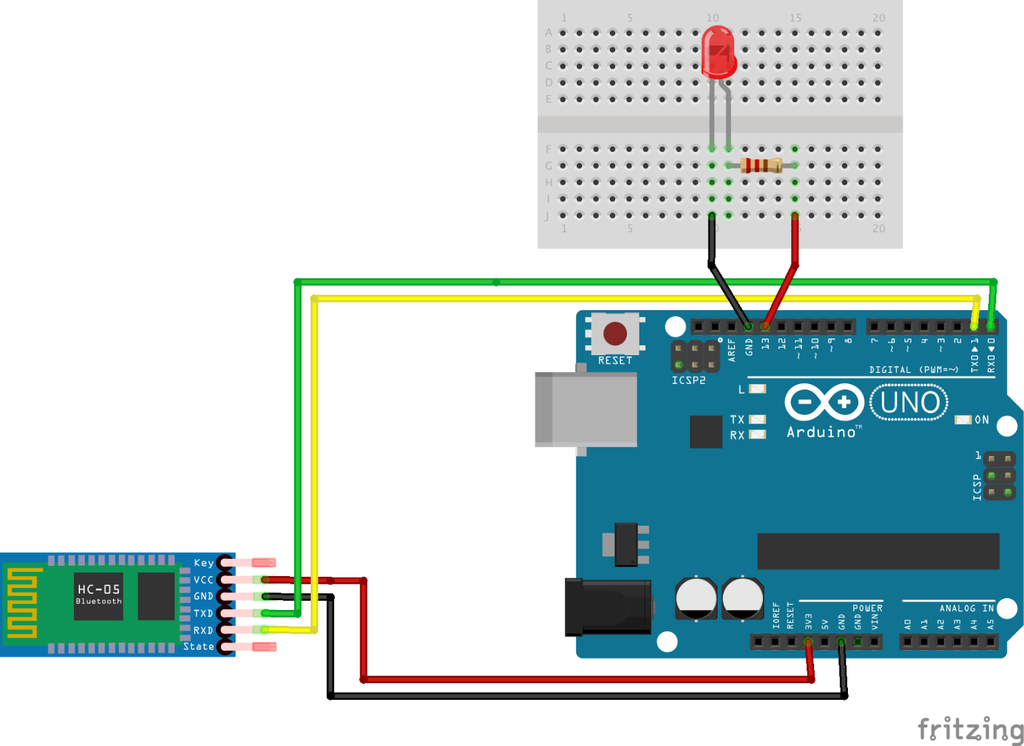
- VCC → 5V
- GND → GND
- TX → Pin 10
- RX → Pin 11
LED:
- Positive → Pin 7
- Negative → GND (through resistor)
Code
#include <SoftwareSerial.h>SoftwareSerial BT(10, 11); // RX, TX
int led = 7;void setup() {
  pinMode(led, OUTPUT);
  BT.begin(9600);
}void loop() {
  if (BT.available()) {
    char data = BT.read();    if (data == '1') {
      digitalWrite(led, HIGH);
    }
    else if (data == '0') {
      digitalWrite(led, LOW);
    }
  }
}
How to Use
- Pair phone with HC-05
- Use a Bluetooth terminal app
- Send:
- “1” → LED ON
- “0” → LED OFF
What Happens
- Phone sends data via Bluetooth
- Arduino reads it
- Controls LED instantly
What You’ve Achieved
You now understand:
- Sensors (temperature & distance)
- Output devices (LED, buzzer)
- Communication (Bluetooth)
👉 This is the foundation of real-world IoT systems
